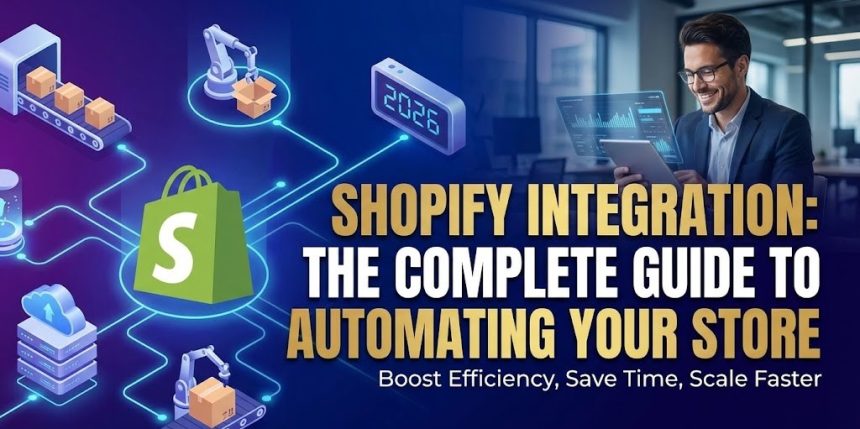
Running a Shopify store in 2026 means managing far more than just a website and a checkout button. You are operating in a global ecommerce market projected to reach over $6 trillion in sales.
- Why Integration is Non-Negotiable
- The 6 Pillars of Shopify Integration
- 1. Vendor Integrations (The Operational Backbone)
- 2. Marketplace Integrations
- 3. Back-Office Integrations (ERP & WMS)
- 4. Marketing and Customer Data
- 5. Fulfillment and Logistics
- 6. Custom API Integrations
- Step-by-Step: How to Automate Vendor Management
- Measuring Success: KPIs to Track
- Conclusion
In this fast-moving industry, manual processes are the enemy of growth. Copying data into spreadsheets, manually routing orders to vendors, and reconciling inventory by hand simply cannot scale.
That is where Shopify integration comes in. By connecting your store to the tools, vendors, and marketplaces that run your business, you can automate the entire lifecycle of an order.
Here is your complete guide to building a fully automated Shopify ecosystem.

Why Integration is Non-Negotiable
At its core, “Shopify integration” means connecting your store to external systems to create a single source of truth.
Why does this matter?
- Reduced Manual Work: Automation frees your team from data entry.
- Inventory Accuracy: Merchants who rely on manual updates face oversell rates of around 10%. Automated syncing reduces this to under 1%.
- Faster Fulfillment: Orders flow automatically to vendors or 3PLs, eliminating delays caused by batching or PDF purchase orders.
The 6 Pillars of Shopify Integration
To build a scalable tech stack, you need to understand the six major categories of integration.
1. Vendor Integrations (The Operational Backbone)
For dropshippers and multi-vendor stores, this is the most critical integration. It connects Shopify directly to your suppliers or distributors.
- Function: It automates inventory updates, product data imports, and order routing.
- Tool of Choice: Platforms like Spark Shipping specialize in this. They allow you to map vendor SKUs to Shopify SKUs and automate order routing based on stock levels, ensuring you never sell a product your vendor doesn’t have.
2. Marketplace Integrations
Most modern merchants sell on multiple channels. A reliable integration ensures that a sale on Amazon or eBay immediately updates your Shopify inventory. This prevents the nightmare scenario of selling the same item twice on different platforms.
3. Back-Office Integrations (ERP & WMS)
As you scale beyond $3–5M in revenue, you likely need an Enterprise Resource Planning (ERP) system to manage accounting and procurement.
- The Workflow: Financial data flows from Shopify to your ERP, while accurate stock levels flow from your Warehouse Management System (WMS) back to Shopify.
- Top Player: NetSuite is a cloud-based ERP used by growing brands to centralize accounting and inventory across multiple warehouses.
4. Marketing and Customer Data
Marketing integrations feed Shopify order data into your communication tools. This allows you to segment audiences based on purchase history and automate email flows.
- CRM: Tools like HubSpot pull customer profiles and order history to give your sales team a complete view of the shopper.
- Automation: Platforms like Klaviyo use real-time store data to trigger abandoned cart reminders and back-in-stock alerts.
5. Fulfillment and Logistics
These integrations connect Shopify to 3PLs and shipping platforms. They ensure that tracking numbers are automatically generated and sent back to the customer, improving the post-purchase experience.
6. Custom API Integrations
Sometimes, an app isn’t enough. Shopify’s Admin API allows developers to build custom logic for unique business needs, such as connecting to a proprietary legacy system or handling complex B2B pricing rules.
Step-by-Step: How to Automate Vendor Management
Using a tool like Spark Shipping, here is how you can set up a “hands-off” fulfillment workflow:
- Connect Shopify: Generate API credentials to link your store.
- Add Vendors: Upload vendor feeds via API, FTP, CSV, or XML.
- Map Products: Link vendor SKUs to your Shopify SKUs.
- Configure Routing: Set rules (e.g., “If Vendor A is out of stock, route order to Vendor B”).
- Sync Inventory: Enable real-time syncing to prevent overselling.
- Automate Tracking: The system pulls tracking info from the vendor and updates Shopify automatically.

Measuring Success: KPIs to Track
How do you know if your integrations are working? Monitor these metrics:
- Fulfillment Speed: Time from “Order Placed” to “Shipped.”
- Inventory Accuracy: The frequency of stock discrepancies or oversells.
- On-Time Tracking: How quickly customers receive their tracking numbers.
Conclusion
In 2026, the businesses that win are the ones that automate. By integrating your vendors, back-office systems, and marketing tools with Shopify, you can scale your SKUs and sales channels without adding operational chaos.
Also Read : 10 Best Dropshipping sites for E-commerce